
🤖 Ghostwritten by GPT 5.4 · Fact-checked & edited by Claude Opus 4.6 · Curated by Tom Hundley
If OpenClaw feels inconsistent, the fix is usually not a new model — it is better workspace files. OpenClaw workspace files are the control panel for agent behavior: SOUL.md sets personality and boundaries, AGENTS.md sets operating rules, USER.md stores your preferences, and MEMORY.md keeps durable lessons worth reusing. When these files are clear, your agent becomes calmer, more useful, and much less likely to improvise in ways you did not ask for.
That matters more now because many recent tutorials and community setups lean into simple markdown-based configuration instead of complicated dashboards. People are getting good results by using copy-paste setup prompts with coding agents, then refining those files over time. If you use Cursor, Replit, Bolt, v0, or Lovable, think of these files like labeled notes you leave on a workbench before your helper starts building. The helper works better because the instructions are visible every time.
In this guide, I will show you a practical OpenClaw markdown files setup for non-developers, explain how the files work together, and give you prompts you can paste directly into your AI tool today.
TL;DR: SOUL.md defines tone and identity, AGENTS.md defines rules, USER.md defines your preferences, and MEMORY.md captures lessons that should survive future sessions.
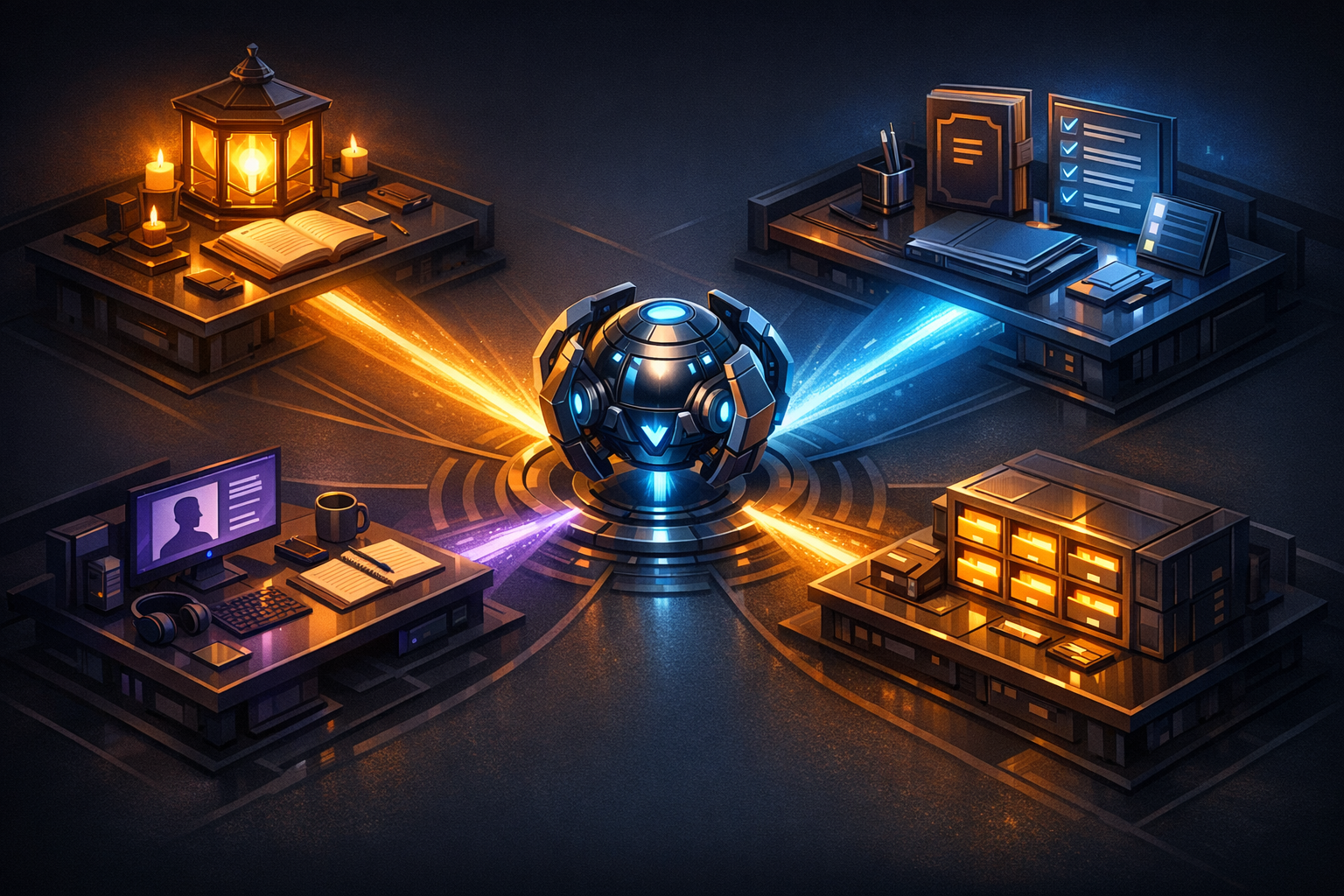
The easiest way to understand OpenClaw workspace files is to imagine hiring an assistant and setting up four folders on their desk.
This is the core of effective OpenClaw agent personalization. If you mix these jobs together, the agent gets confused. If you separate them cleanly, the behavior gets much more reliable.
| File | Main Job | What Goes Inside | What Should Stay Out |
|---|---|---|---|
| SOUL.md | Personality and boundaries | Tone, style, values, communication preferences | Passwords, technical setup details, long-term notes |
| AGENTS.md | Safety and operating rules | What the agent must always do, must never do, and how to check work | Personal biography, emotional tone details |
| USER.md | Personal context | Your goals, skill level, tools, preferred workflow | Rules that should apply to every agent |
| MEMORY.md | Durable lessons | Repeated preferences, known project facts, lessons from mistakes | Temporary tasks, one-off experiments |
A good rule is this: SOUL is personality, AGENTS is policy, USER is context, MEMORY is learning. That sentence alone will save you a lot of messy SOUL.md and AGENTS.md configuration.
Both Anthropic and OpenAI have publicly emphasized that structured prompting and persistent instructions improve consistency in agentic work. In plain English: the clearer your written instructions, the less guesswork the model has to do.
If you liked the file-first approach in CLAUDE.md Patterns That Actually Work, this is the same idea applied to OpenClaw workspace customization for everyday users.
TL;DR: Put voice and boundaries in SOUL.md, then put repeatable safety and workflow rules in AGENTS.md so the agent knows both how to sound and how to behave.
Most people make SOUL.md too poetic or AGENTS.md too strict. You want both files to be plain, short, and specific.
Think of SOUL.md as instructions for how the agent should feel to work with. This is where you define tone, pacing, and behavioral boundaries.
A strong SOUL.md might include:
Example:
# SOUL

You are a calm, practical assistant.

## Tone
- Use plain English
- Sound warm, clear, and direct
- Use examples from everyday life

## Boundaries
- Never pretend to have completed actions you did not complete
- If information is missing, ask a simple question
- If a task could be risky, explain the risk before proceeding

## Response Style
- Prefer numbered steps
- Keep paragraphs short
- Summarize the answer first, then explain
That is enough. You do not need a novel.
AGENTS.md is where you put the rules OpenClaw should follow every time it works in your workspace. Think of it as a checklist taped to the wall.
A strong AGENTS.md might include:
Example:
# AGENTS

## Safety Rules
- Never place passwords, tokens, or secret keys in workspace files
- Ask before deleting files or replacing large sections
- Warn the user before any risky action

## Work Rules
- Start with a short plan
- Make the smallest change that solves the problem
- Show what changed in plain English
- If stuck, offer two options instead of guessing

## Quality Rules
- Check for contradictions in existing files
- Keep formatting simple and readable
- Prefer reusable instructions over one-off notes
This matters because real-world security issues around exposed agent setups are not theoretical. If you have not already, read CVE-2026-25253: Lock Down Your OpenClaw API Tokens Now. Your workspace files should help prevent dangerous habits, not normalize them.
TL;DR: USER.md tells OpenClaw who you are right now, while MEMORY.md preserves what it has learned so you do not have to repeat yourself every session.
These two files are where OpenClaw agent personalization becomes noticeable.
USER.md should answer a simple question: what should this agent know about me to be immediately helpful?
For vibe coders, that often means things like:
Example:
# USER

## About Me
- I am a non-developer building with AI tools
- I use Cursor, Replit, and Lovable
- I prefer copy-paste prompts over manual setup

## How to Help Me
- Explain things like I am smart but new to coding
- Avoid jargon unless you define it
- Give me one step at a time
- Tell me where to click when possible

## Current Goals
- Build product features faster
- Avoid security mistakes
- Create systems I can maintain myselfMEMORY.md is not a diary. It is a short list of stable learnings.
Good MEMORY.md entries include:
Bad MEMORY.md entries include:
Anthropic's public documentation on tool use and agent workflows notes that repeated context and durable instructions improve reliability when tasks span multiple steps. That lines up with what many OpenClaw users report in practice: once MEMORY.md captures stable lessons, sessions get smoother and less repetitive.
For a broader look at why file-based operating models work so well, see File-Based Agent Platform Documentation That Works. The same principle applies here: when knowledge has a home, the agent stops re-litigating basic decisions.
TL;DR: The fastest OpenClaw markdown files setup is to ask your coding agent to create all four files from a single prompt, then refine them after a few real sessions.
You do not need to build these files from scratch by hand. Here is the easiest workflow I recommend.
Open Cursor, Replit, Bolt, Lovable, or whatever tool you use. Make sure it is looking at the folder or workspace where you want OpenClaw to operate.
Create four workspace markdown files for OpenClaw: SOUL.md, AGENTS.md, USER.md, and MEMORY.md.

Audience: non-developer vibe coder.

Goals:
- Make the assistant easy to work with
- Keep instructions simple and safe
- Use plain English
- Avoid jargon

Please do the following:
1. Draft SOUL.md with a warm, practical tone and clear boundaries
2. Draft AGENTS.md with safety rules, confirmation rules, and small-change workflow rules
3. Draft USER.md for a non-developer using AI coding tools who wants click-by-click and copy-paste help
4. Draft MEMORY.md with placeholders for durable preferences and project learnings
5. Keep each file short, clear, and easy to edit
6. After drafting, explain in plain English what each file does
7. Ask me 5 questions that would improve personalization
That single prompt is often enough to get a good first version.
This is where the magic happens. Do not skip it. Your answers give the agent useful specifics like:
Try a real request, such as:
Then ask yourself:
If the agent sounds robotic, update SOUL.md. If it keeps taking actions you dislike, update AGENTS.md. If it explains things at the wrong level, update USER.md. If it forgets stable preferences, update MEMORY.md.
That one-file-at-a-time method is the cleanest way to improve OpenClaw workspace customization without creating a tangle of overlapping rules.
GitHub's developer surveys have consistently found that AI tools are now used by a large majority of developers, and one of the clearest trends is personalization: people want the tool to match their workflow, not the other way around. Even if you do not think of yourself as a developer, that same lesson applies here.
TL;DR: Keep files short, review them when friction appears, and only save durable instructions; the best workspace files evolve slowly and stay readable.
The biggest mistake is letting these files turn into a junk drawer.
Here are the habits that work best:
If a file feels tiring to read, it is too long. Shorter files lead to better behavior because the instructions are clearer and the model spends less of its context window parsing your setup.
If you only cared about something once, it probably does not belong in MEMORY.md. Save patterns, not passing thoughts.
When the agent annoys you, that is your signal to update the files. The best edits come from real friction.
No passwords. No private tokens. No copied credentials. Treat workspace markdown like a notebook on your desk: useful, but not a safe.
"Be helpful" is vague. "Start with a 3-step plan and avoid jargon" is useful.
Review my SOUL.md, AGENTS.md, USER.md, and MEMORY.md.

Tell me:
1. Where instructions overlap
2. Where rules conflict
3. What is too vague to be reliable
4. What should move to a different file
5. What 3 edits would most improve consistency

Then rewrite each file to be shorter, clearer, and better separated by purpose.If your agent starts suggesting that you paste private keys, tokens, or account secrets into USER.md or MEMORY.md, stop immediately. That is not personalization — that is unsafe storage. For more on safer setups and thinking patterns, pair this guide with OpenClaw Adaptive Thinking Setup Guide.
Tomorrow I want to dig into a practical follow-up: how to tell when your agent should remember something, forget something, or ask again instead of guessing. That is where a lot of "why is it acting weird?" problems really come from.
SOUL.md controls the assistant's personality, tone, and behavioral boundaries. AGENTS.md controls the operational rules it should follow while working — like asking before risky changes or avoiding unsafe actions. A simple way to remember: SOUL is how it feels, AGENTS is how it operates. Keeping them separate means you can adjust tone without accidentally loosening safety rules, and vice versa.
Include the things an assistant needs to help you without overwhelming you: your skill level, the tools you use, whether you want step-by-step guidance, and what kind of explanations confuse or help you. Also note your current project goals so the agent can prioritize relevant suggestions.
MEMORY.md should only hold durable lessons that are likely to matter again in future sessions — repeated preferences, stable project facts, and known do-not-repeat mistakes. Temporary ideas, random brainstorming, and one-time tasks belong in a separate scratch file or project management tool.
Update them whenever you notice friction, not on a fixed schedule. If the agent keeps making the same kind of mistake, that usually means one file needs a clearer instruction. Small, targeted edits after real problems work better than periodic rewrites.
Yes, and for most people that is the fastest way to start. Use the copy-paste setup prompt in this guide to draft the files, then improve them after a few real tasks. The key is reviewing the drafts so they match your actual preferences — generic defaults will only get you partway there.
The best OpenClaw setups do not feel magical. They feel understandable. When your workspace files are clear, your agent stops feeling random and starts feeling trained.
If you try one thing today, create or clean up these four files and test them on a real task. You will learn more from one honest session than from reading ten abstract tips. Come back tomorrow, and share this with someone who uses OpenClaw.
Discover more content:
