 Tom Hundley
Part 5 of 7
Claude Code offers two complementary systems for reusable behaviors: skills that activate automatically based on context, and slash commands that you invoke explicitly. Understanding when to use each—and how to build them effectively—separates casual users from power users.
| Aspect | Skills | Slash Commands |
|---|---|---|
| Invocation | Automatic (Claude decides) | Manual (/command) |
| Structure | Directory with SKILL.md | Single markdown file |
| Complexity | Multi-file, scripts, resources | Simple prompts |
| Discovery | Semantic matching | You remember to use it |
| Best for | Specialized expertise | Repeatable workflows |
Think of skills as "capabilities Claude gains" and slash commands as "shortcuts you trigger."
Slash commands are markdown files that become available when you type / in Claude Code.
| Location | Scope | Shared |
|---|---|---|
.claude/commands/ |
Project | Yes (via git) |
~/.claude/commands/ |
Personal | No |
Project commands take precedence if names conflict.
Create .claude/commands/commit.md:
Create a commit with a clear, conventional message.

1. Run `git status` to see changes
2. Run `git diff` to understand what changed
3. Create a commit message following conventional commits:
   - feat: new feature
   - fix: bug fix
   - docs: documentation
   - refactor: code restructuring
4. Commit the changes
Now /commit is available in your Claude Code session.
Commands can accept arguments:
Fix the issue described in: $ARGUMENTS

1. Read the issue description
2. Find the relevant code
3. Implement the fix
4. Write tests
5. Commit with message referencing the issue
Usage: /fix-issue Authentication fails for OAuth users
For positional arguments:
Compare $1 with $2 and explain the differences.Usage: /compare src/old.ts src/new.ts
Commands support YAML frontmatter for configuration:
---
allowed-tools: Bash(git:*), Read, Write
argument-hint: [message]
description: Create a git commit with conventional message format
model: claude-3-5-haiku-20241022
---

Create a commit for the staged changes.

Current status: !`git status`
Recent commits: !`git log --oneline -5`

Based on the diff, write a conventional commit message.| Field | Purpose |
|---|---|
allowed-tools |
Tools this command can use |
argument-hint |
Placeholder shown in command menu |
description |
What the command does |
model |
Override the model for this command |
disable-model-invocation |
Prevent Claude from auto-invoking |
The !backticks`` syntax runs bash before the command executes:
---
allowed-tools: Bash(git:*), Read
---

Review the current PR.

Current branch: !`git branch --show-current`
Changes from main: !`git diff main...HEAD --stat`
Recent commits: !`git log main..HEAD --oneline`

Provide a thorough review of these changes.
The bash output is injected into the prompt before Claude sees it.
Reference files directly:
Review the changes in @src/components/Button.tsx

Compare with the test file @src/components/__tests__/Button.test.tsx

Check if the component follows patterns from @docs/component-guidelines.mdOrganize commands by domain:
.claude/commands/
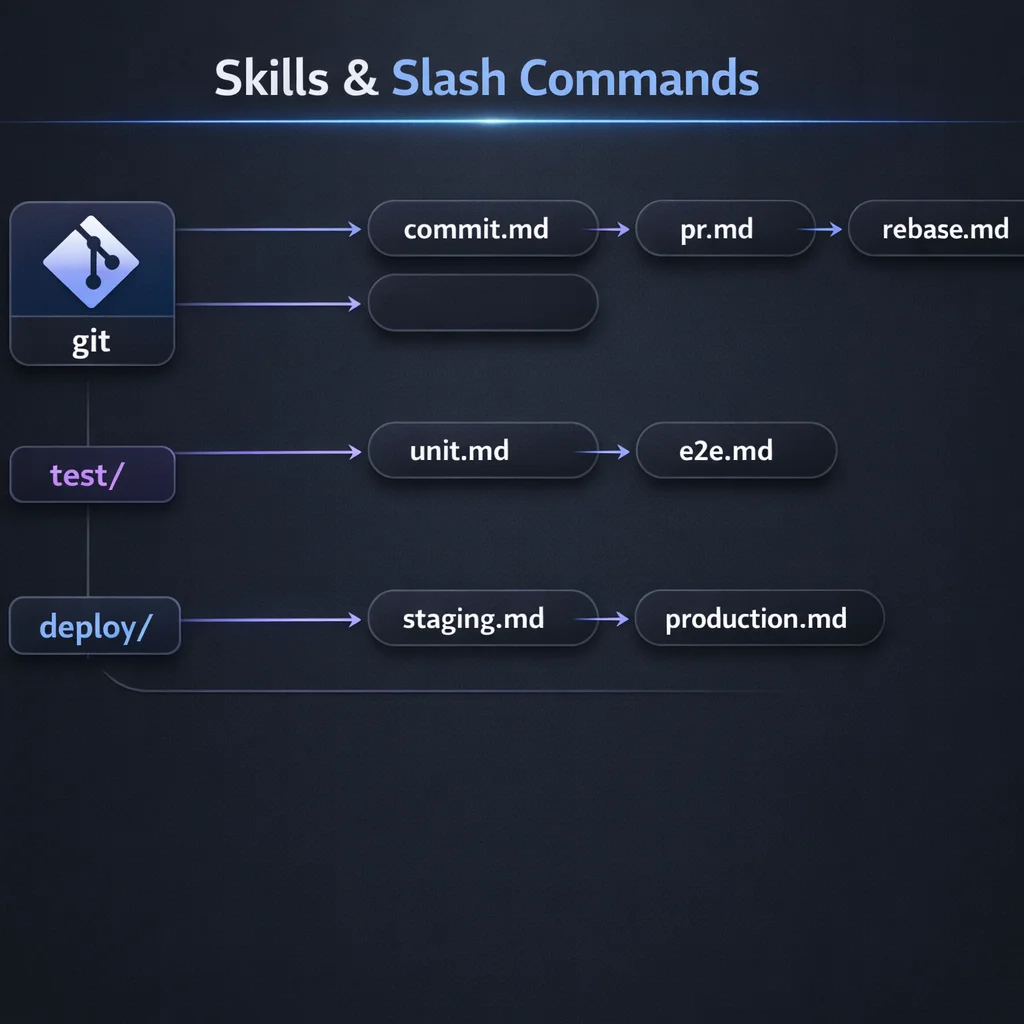Access with namespace: /git:commit, /test:unit, /deploy:staging
Skills are more complex than commands—they're directories with supporting files that Claude loads contextually.
~/.claude/skills/code-explainer/
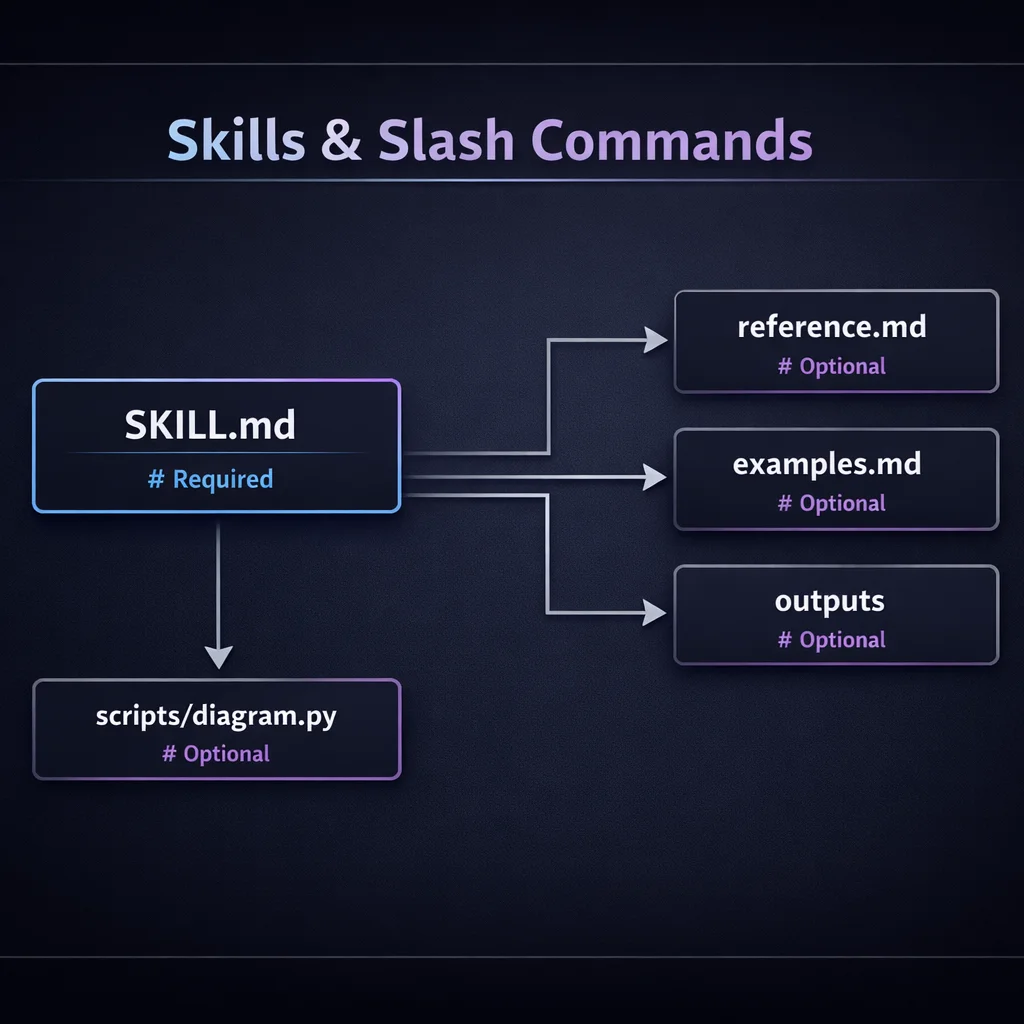---
name: code-explainer
description: Explains code with visual diagrams and clear breakdowns. Use when explaining how code works or teaching about code architecture.
allowed-tools: Read, Grep, Glob
model: claude-sonnet-4-5-20250929
---
# Code Explainer
You are an expert at explaining code clearly.
## Approach
1. Start with a high-level overview
2. Break down into logical sections
3. Explain each section with analogies
4. Create ASCII diagrams for data flow
5. Highlight key patterns and decisions
## Output Format
Use clear headers, bullet points, and code snippets.
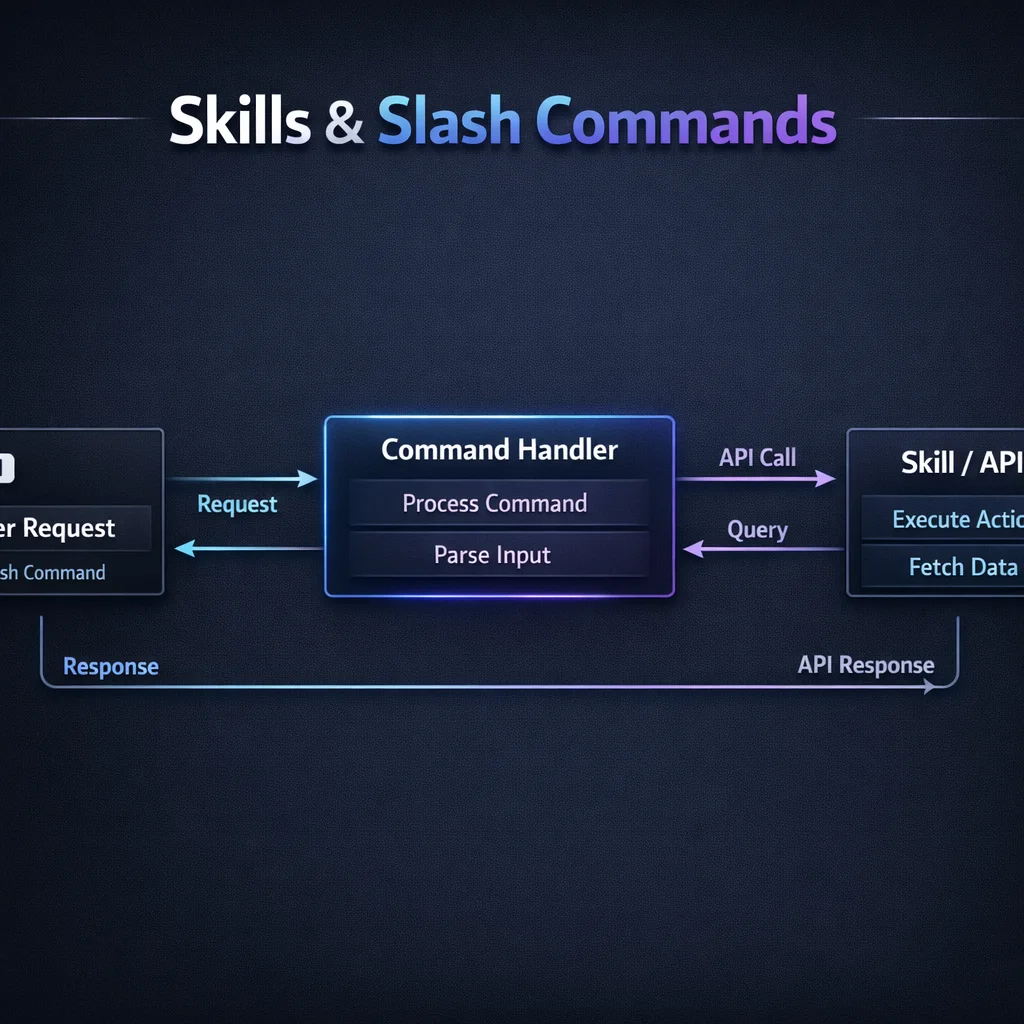
Include diagrams where helpful:
## When Explaining
- Assume the reader is technical but unfamiliar with this code
- Highlight non-obvious decisions
- Note any potential improvementsThe key is writing a specific, trigger-rich description:
# Good - specific triggers
description: Explains code with visual diagrams and clear breakdowns. Use when explaining how code works or teaching about code architecture.

# Bad - too vague
description: Helps with code.
Include:
Claude can read supporting files when activated:
reference.md:
# Diagram Syntax Reference
## Flow Diagrams
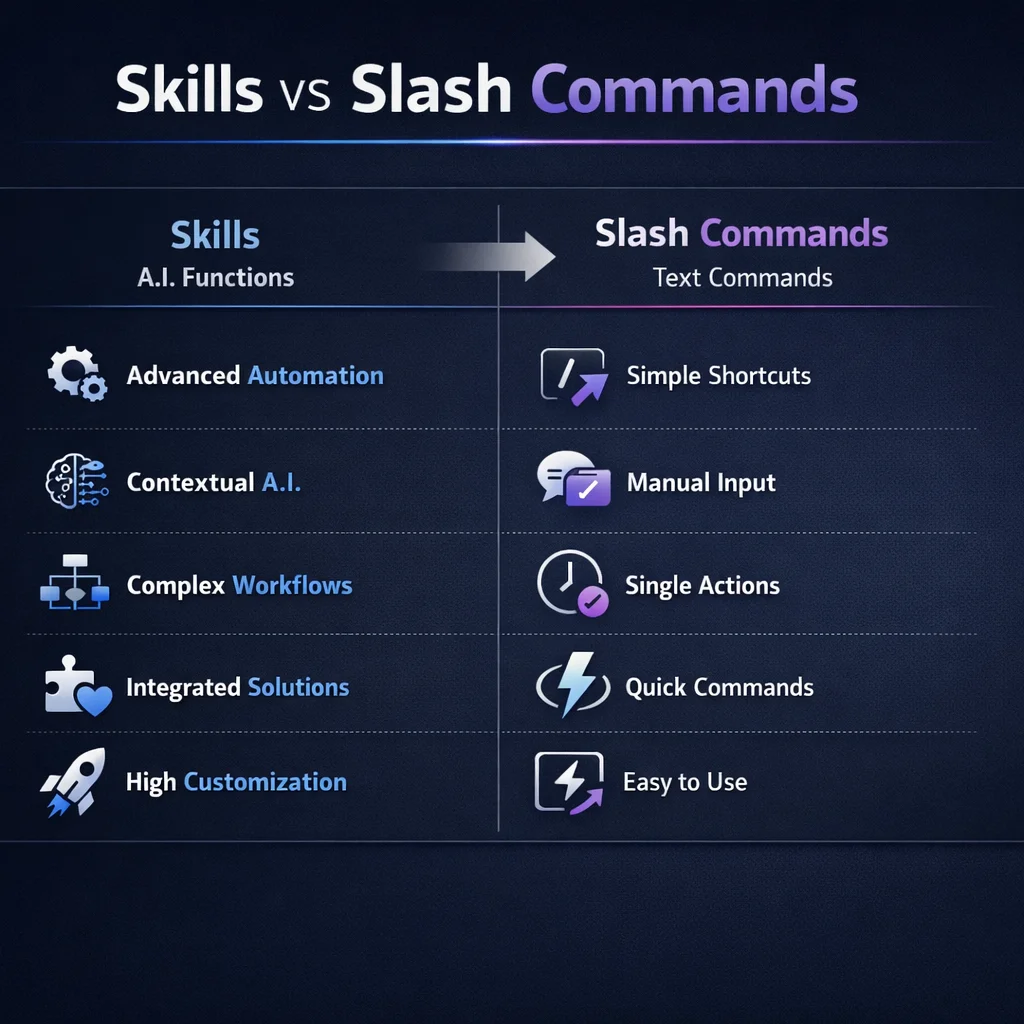
Use ASCII boxes and arrows:
## Sequence Diagrams
...examples.md:
# Example: Explaining a React Hook

Here's how I explained useState:

[Full example output]Scripts in the scripts/ directory can be executed but aren't loaded into context:
# scripts/complexity.py
import sys
import ast

def analyze(file_path):
    with open(file_path) as f:
        tree = ast.parse(f.read())
    # Calculate cyclomatic complexity
    ...
The skill's SKILL.md can reference running this:
For complexity analysis, run: `python scripts/complexity.py <file>`| Level | Path | Priority |
|---|---|---|
| Enterprise | System directories | Highest |
| Project | .claude/skills/ |
High |
| Personal | ~/.claude/skills/ |
Medium |
| Plugin | Plugin's skills/ |
Lowest |
Higher-level skills override lower-level ones with the same name.
.claude/commands/review-pr.md:
---
allowed-tools: Bash(git:*), Bash(gh:*), Read, Glob, Grep
description: Review a pull request thoroughly
argument-hint: [PR number]
---

Review PR #$ARGUMENTS

## Information Gathering

PR details: !`gh pr view $ARGUMENTS`
Files changed: !`gh pr diff $ARGUMENTS --stat`

## Review Checklist

1. **Code Quality**
   - Naming clarity
   - Function size
   - Code duplication

2. **Security**
   - Input validation
   - Authentication checks
   - Secrets exposure

3. **Testing**
   - Test coverage
   - Edge cases
   - Integration tests

4. **Documentation**
   - README updates
   - Code comments
   - API docs

Provide specific feedback with file and line references..claude/commands/gen-tests.md:
---
allowed-tools: Read, Write, Bash
argument-hint: [file path]
---

Generate comprehensive tests for @$ARGUMENTS

## Analysis

Read the target file and understand:
1. Public API surface
2. Dependencies to mock
3. Edge cases to cover

## Test Generation

Create tests following project patterns.
Check existing tests for conventions: @src/**/*.test.ts

## Coverage Targets

- Happy path for each function
- Error conditions
- Boundary values
- Integration with dependencies.claude/skills/database-expert/SKILL.md:
---
name: database-expert
description: Helps with SQL queries, schema design, and database optimization. Use when working with databases, writing migrations, or optimizing queries.
allowed-tools: Read, Grep, Glob, Bash
---

# Database Expert

You are a database specialist with deep PostgreSQL expertise.

## Capabilities

1. **Query Writing**
   - Complex joins and subqueries
   - Window functions
   - CTEs and recursive queries

2. **Schema Design**
   - Normalization decisions
   - Index strategy
   - Constraint design

3. **Optimization**
   - EXPLAIN ANALYZE interpretation
   - Index recommendations
   - Query rewriting

## Before Answering

1. Check the existing schema: `@database/schema.sql`
2. Review migration history: `@database/migrations/`
3. Understand current indexes

## Output Standards

- Always include index recommendations
- Explain performance implications
- Provide migration-safe changes.claude/skills/api-designer/SKILL.md:
---
name: api-designer
description: Designs RESTful APIs following best practices. Use when creating new endpoints, reviewing API design, or writing OpenAPI specs.
allowed-tools: Read, Write, Glob
---

# API Designer

You design clean, consistent REST APIs.

## Design Principles

1. **Resource-Oriented**
   - Nouns, not verbs
   - Hierarchical relationships
   - Consistent naming

2. **HTTP Semantics**
   - Correct methods (GET, POST, PUT, PATCH, DELETE)
   - Appropriate status codes
   - Proper headers

3. **Versioning**
   - URL versioning: `/v1/users`
   - Header versioning when needed

## Standard Responses

Success:
```json
{
  "data": { ... },
  "meta": { "page": 1, "total": 100 }
}
Error:
{
  "error": {
    "code": "VALIDATION_ERROR",
    "message": "...",
    "details": [ ... ]
  }
}@src/app/api/@docs/openapi.yaml
## Skills vs Commands: Decision Guide

**Use a Slash Command when:**
- You want explicit control over invocation
- The workflow is simple and linear
- You'll remember to use it
- It's a specific, repeatable task

**Use a Skill when:**
- Claude should recognize when to use it
- The capability requires multi-file context
- It's specialized expertise
- You want consistent behavior across contexts

## Sharing with Your Team

Check project-level files into git:

```bash
git add .claude/commands/ .claude/skills/
git commit -m "Add team Claude Code customizations"
Team members get the same commands and skills automatically.
Skills and commands define what Claude can do. In Part 6, we'll explore how Claude thinks—plan mode, thinking levels, and context management strategies.
Up next: Part 6: Plan Mode & Thinking Strategies — Master the explore-plan-code-commit workflow and thinking modes that lead to better outcomes.
Discover more content:
